
Communication Aid Attributes
The breakdown of the I-ASC explanatory model shows a range of factors that should be considered in AAC decision making. Communication aid attributes describes the hardware and software features of an AAC system that should be considered during assessment and decision-making. Although the I-ASC findings mainly focus on electronic communication aids, many of the key considerations are also relevant to other forms of AAC, including paper-based and non-electronic communication systems.
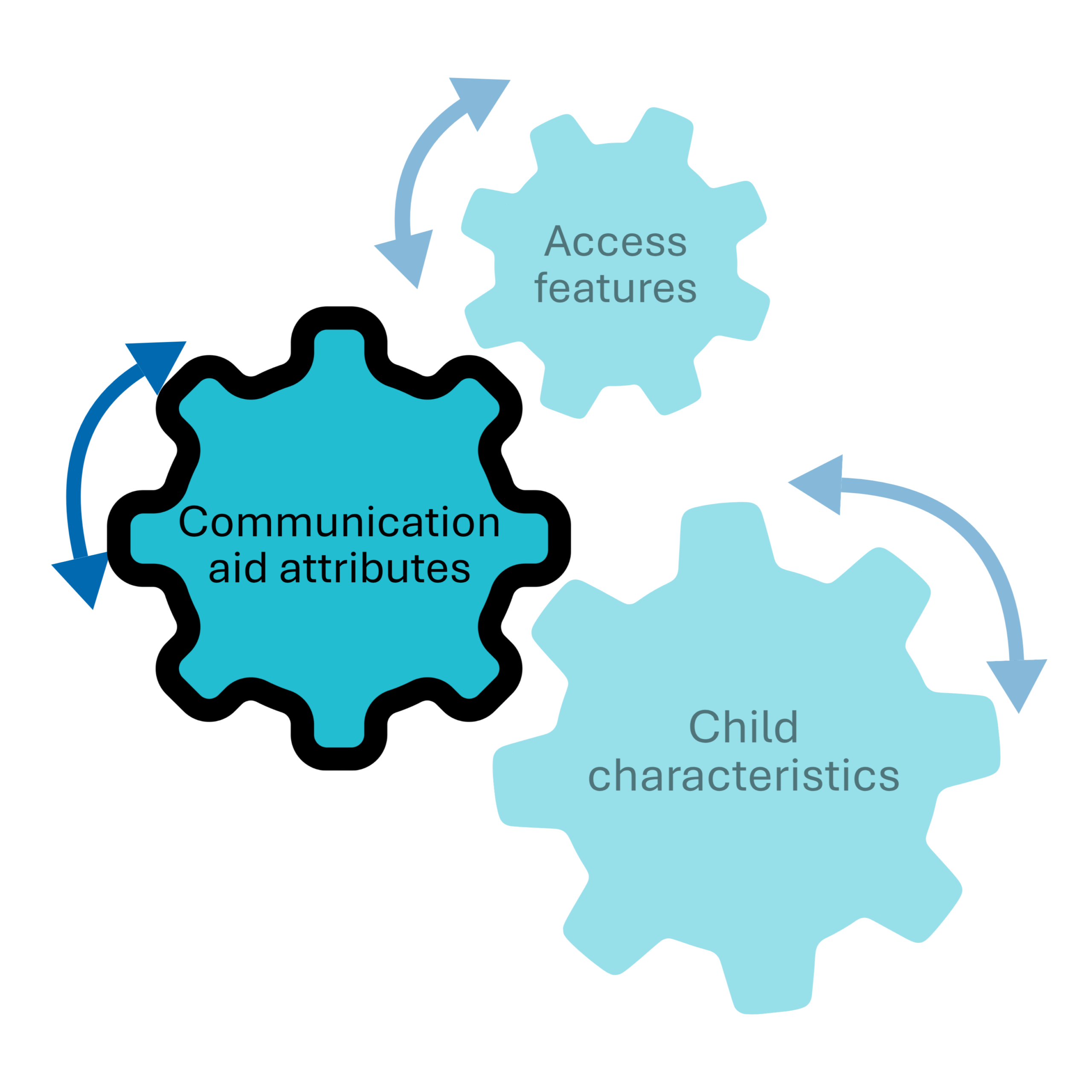
The elements that make up ‘Communication aid attributes’ are explained below – click on each heading to learn more
Please note: In this section, the term “child” is used broadly and may refer to an individual of any age. The original study was conducted with children and young people, however we have had considerable feedback that with a little modification of the content provided, there is relevance to individuals across their lifespan. We encourage you to consider minor adaptations to better suit your context.
Hardware refers to the physical parts of a communication aid that you can see and touch.
Software refers to the programs that control how a communication aid works and what it can do (e.g. communication apps).
Hardware aesthetics
This refers to perceptions of visual appearance and voice qualities of the communication aid. Findings suggest that aesthetics impacted on decisions.
-
Ensure you determine the views of all team member on the look, feel and voice of the system.
Ensure views related to aesthetics and the reasons behind these views are adequately considered in the decision making process.
-
I-ASC Communication system trial evaluation
I-ASC Communication system trial evaluation example
I-ASC Luke Gets a Communication Aid Book
I-ASC Lucy Gets a Communication Aid Book
I-ASC Katie Gets a Communication Aid Book
I-ASC How to use the mindmap resource
I-ASC How to use the spidergram resource
-
Please email i-asc@mmu.ac.uk if you know of resources that should be included here
-
Judge, S., Randall, N., Goldbart, J., Lynch, Y., Moulam, L., Meredith, S., and Murray, J. (2019) The language and communication attributes of graphic symbol communication aids – A systematic review and narrative synthesis. Disability and Rehabilitation: Assistive Technology
Murray, J., Lynch, Y., Meredith, S., Moulam, L., Goldbart, J., Smith, M., Randall, N., Judge, S., (2019) Professionals’ decision making in recommending communication aids in the UK: Competing considerations Augmentative and Alternative Communication.
Webb, E.J.D., Meads, D., Lynch, Y., Randall, N., Judge, S., Goldbart, J., Meredith, S., Moulam, L., Hess, S., and Murray, J. (2019) What’s important in AAC decision making for children? Evidence from a best-worst scaling survey, Augmentative and Alternative Communication, doi: 10.1080/07434618.2018.1561750
Hardware reliability
In essence, this means how frequently or readily the aided AAC system stops working. Prior to any recommendation, findings indicate it is important to understand the reliability of the potential communication aid(s).
-
Determine the reliability related to battery life and capacity to withstand knocks and drops before recommending aids.
Be mindful of the likely time needed for repairs and what the local backup plans would be in case of breakdown.
Ascertain what general supplier support is offered and in the case of breakdown the availability of temporary replacements.
-
Means, reasons and opportunities tool
Please email i-asc@mmu.ac.uk if you know of resources that should be included here
-
Judge, S., Randall, N., Goldbart, J., Lynch, Y., Moulam, L., Meredith, S., and Murray, J. (2019) The language and communication attributes of graphic symbol communication aids – A systematic review and narrative synthesis. Disability and Rehabilitation: Assistive Technology
Murray, J., Lynch, Y., Meredith, S., Moulam, L., Goldbart, J., Smith, M., Randall, N., Judge, S., (2019) Professionals’ decision making in recommending communication aids in the UK: Competing considerations Augmentative and Alternative Communication.
Webb, E.J.D., Meads, D., Lynch, Y., Randall, N., Judge, S., Goldbart, J., Meredith, S., Moulam, L., Hess, S., and Murray, J. (2019) What’s important in AAC decision making for children? Evidence from a best-worst scaling survey, Augmentative and Alternative Communication, doi: 10.1080/07434618.2018.1561750
Hardware data storage and processing
This is the ability of the communication aid to manage data and data processing.
-
Be mindful of the system’s memory and storage capacity and ability to run multimedia files if that is important to the child or young person.
-
Speech bubble communication aid database
Please email i-asc@mmu.ac.uk if you know of resources that should be included here
-
Judge, S., Randall, N., Goldbart, J., Lynch, Y., Moulam, L., Meredith, S., and Murray, J. (2019) The language and communication attributes of graphic symbol communication aids – A systematic review and narrative synthesis. Disability and Rehabilitation: Assistive Technology
Murray, J., Lynch, Y., Meredith, S., Moulam, L., Goldbart, J., Smith, M., Randall, N., Judge, S., (2019) Professionals’ decision making in recommending communication aids in the UK: Competing considerations Augmentative and Alternative Communication.
Webb, E.J.D., Meads, D., Lynch, Y., Randall, N., Judge, S., Goldbart, J., Meredith, S., Moulam, L., Hess, S., and Murray, J. (2019) What’s important in AAC decision making for children? Evidence from a best-worst scaling survey, Augmentative and Alternative Communication, doi: 10.1080/07434618.2018.1561750
Software consistency and intuitiveness of design
This refers to the consistency of page layouts, including the navigational functions to select a desired output. Findings suggest that systems vary in how their design supports users moving through the vocabulary organisation and the user intuitively navigating the system.
-
Aim to select systems that are designed with consistency and support intuitive navigation to vocabulary and functions to reduce the child or young person’s cognitive load.
-
Please email i-asc@mmu.ac.uk if you know of resources that should be included here
-
Judge, S., Randall, N., Goldbart, J., Lynch, Y., Moulam, L., Meredith, S., and Murray, J. (2019) The language and communication attributes of graphic symbol communication aids – A systematic review and narrative synthesis. Disability and Rehabilitation: Assistive Technology
Light, J., Wilkinson, K., Thiessen, A., Beukelman, D. and Koch Fager S., (2019) Designing effective AAC displays for individuals with developmental or acquired disabilities: State of the science and future research directions, Augmentative and Alternative Communication doi : 10.1080/07434618.2018.1558283
Murray, J., Lynch, Y., Meredith, S., Moulam, L., Goldbart, J., Smith, M., Randall, N., Judge, S., (2019) Professionals’ decision making in recommending communication aids in the UK: Competing considerations Augmentative and Alternative Communication.
Webb, E.J.D., Meads, D., Lynch, Y., Randall, N., Judge, S., Goldbart, J., Meredith, S., Moulam, L., Hess, S., and Murray, J. (2019) What’s important in AAC decision making for children? Evidence from a best-worst scaling survey, Augmentative and Alternative Communication, doi: 10.1080/07434618.2018.1561750
Software ease of editing
This references how intuitive and easy is it to add, and change vocabulary and customise other features such as changing the volume, editing symbols, adding pages, etc. Findings suggest that it is important to consider the amount of editing that each child may need. For example, will they need a lot of personalised vocabulary or a customised layout?
-
Consider trade-offs between ease of editing and quantity of editing when choosing a particular software package
Consider who will take on the editing role in the implementation
-
Please email i-asc@mmu.ac.uk if you know of resources that should be included here
-
Judge, S., Randall, N., Goldbart, J., Lynch, Y., Moulam, L., Meredith, S., and Murray, J. (2019) The language and communication attributes of graphic symbol communication aids – A systematic review and narrative synthesis. Disability and Rehabilitation: Assistive Technology
Murray, J., Lynch, Y., Meredith, S., Moulam, L., Goldbart, J., Smith, M., Randall, N., Judge, S., (2019) Professionals’ decision making in recommending communication aids in the UK: Competing considerations Augmentative and Alternative Communication.
Software graphic representation
This refers to the type of graphic symbol used. Findings suggest that consideration should be given to the type of graphic representations, but there were mixed views on the relative importance of the type of symbols chosen.
-
Graphic-symbol type discussions need to include the potential memory load for children and those supporting them during the initial teaching and learning period
Graphic symbol representation choices should be informed by an assessment of the child’s current symbolic understanding and learning preferences.
Be mindful of the rationale for transitioning between graphic symbol systems and aim to make changes only for child need reasons if possible.
Develop a plan to support transitions between graphic symbol systems
Develop a plan to support the transition from graphic symbol to literacy.
Aim to ensure the symbols selected are culturally appropriate, e.g., UK localised.
-
The Test of Aided Symbol Performance (TASP)
Please email i-asc@mmu.ac.uk if you know of resources that should be included here
-
Judge, S., Randall, N., Goldbart, J., Lynch, Y., Moulam, L., Meredith, S., and Murray, J. (2019) The language and communication attributes of graphic symbol communication aids – A systematic review and narrative synthesis. Disability and Rehabilitation: Assistive Technology
Murray, J., Lynch, Y., Meredith, S., Moulam, L., Goldbart, J., Smith, M., Randall, N., Judge, S., (2019) Professionals’ decision making in recommending communication aids in the UK: Competing considerations Augmentative and Alternative Communication.
Software vocabulary
This refers to the size and organisation of vocabulary available on the communication aid.
-
Be mindful of the purpose of the communication aid, e.g., to augment speech or replace speech as the purpose may influence the vocabulary selection.
Consider the availability of relevant core vocabulary and fringe vocabulary
Take into account the learning styles and preferences of children and young people when choosing vocabulary organisation and layout, e.g., fixed or dynamic
Vocabulary should be both developmentally and age appropriate.
Plan vocabulary in light of current and future needs
-
Choosing language representation
Speech bubble communication aid database
Please email i-asc@mmu.ac.uk if you know of resources that should be included here
-
Judge, S., Randall, N., Goldbart, J., Lynch, Y., Moulam, L., Meredith, S., and Murray, J. (2019) The language and communication attributes of graphic symbol communication aids – A systematic review and narrative synthesis. Disability and Rehabilitation: Assistive Technology
Light, J., Wilkinson, K., Thiessen, A., Beukelman, D. and Koch Fager S., (2019) Designing effective AAC displays for individuals with developmental or acquired disabilities: State of the science and future research directions, Augmentative and Alternative Communication doi : 10.1080/07434618.2018.1558283
Murray, J., Lynch, Y., Meredith, S., Moulam, L., Goldbart, J., Smith, M., Randall, N., Judge, S., (2019) Professionals’ decision making in recommending communication aids in the UK: Competing considerations Augmentative and Alternative Communication.
Webb, E.J.D., Meads, D., Lynch, Y., Randall, N., Judge, S., Goldbart, J., Meredith, S., Moulam, L., Hess, S., and Murray, J. (2019) What’s important in AAC decision making for children? Evidence from a best-worst scaling survey, Augmentative and Alternative Communication, doi: 10.1080/07434618.2018.1561750